Logging
All our plugins come with a logging system, which is used for diagnosing problems and monitoring plugin activity.
Enabling Logs
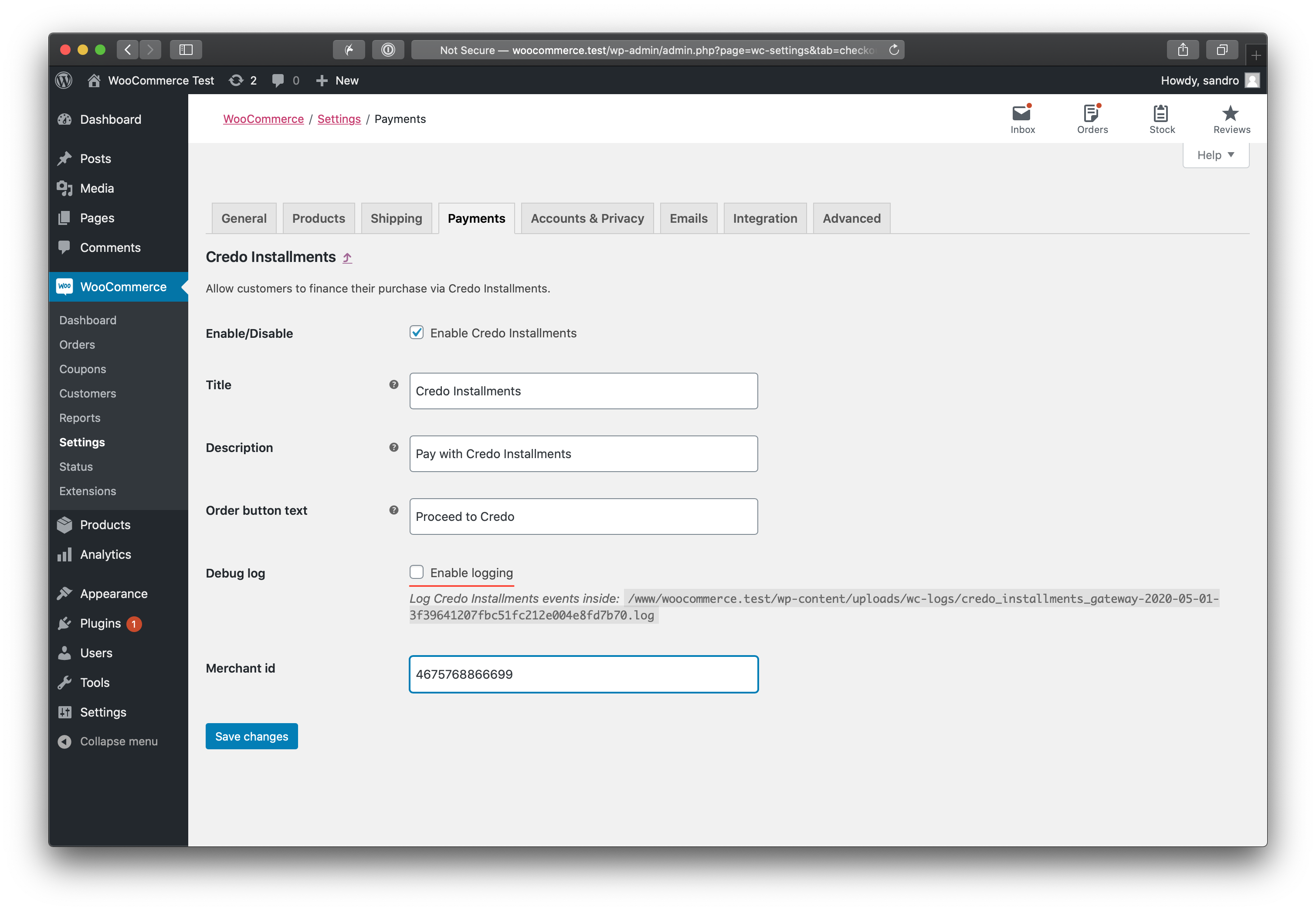
Logging can be enabled on the plugin settings page (refer to specific plugin instructions to find this page). Below is an example of how to enable logging for a payment gateway plugin.
Viewing Logs
In the log, you can see how the plugin functions and find error messages in case of incorrect behavior.
Viewing Logs via WooCommerce Interface
Go to WooCommerce -> Status (1) -> Logs (2) -> Select the plugin name and today's date from the dropdown (3) -> Click View (4).
