Installation
This guide covers the general method for installing our plugins. For specific instructions related to a particular plugin, please refer to its dedicated manual.
Downloading the Plugin
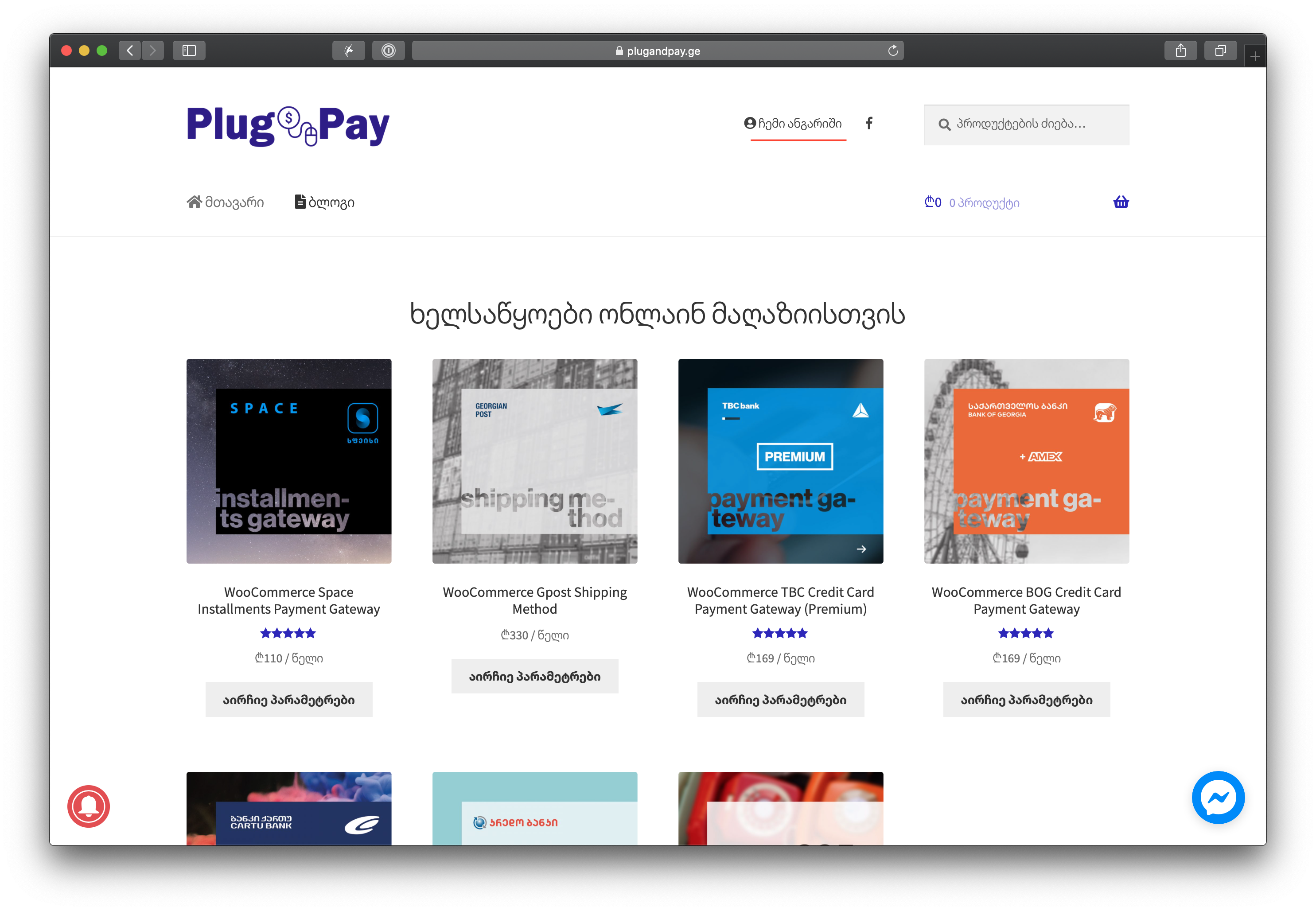
Visit plugandpay.ge and click on "My Account".
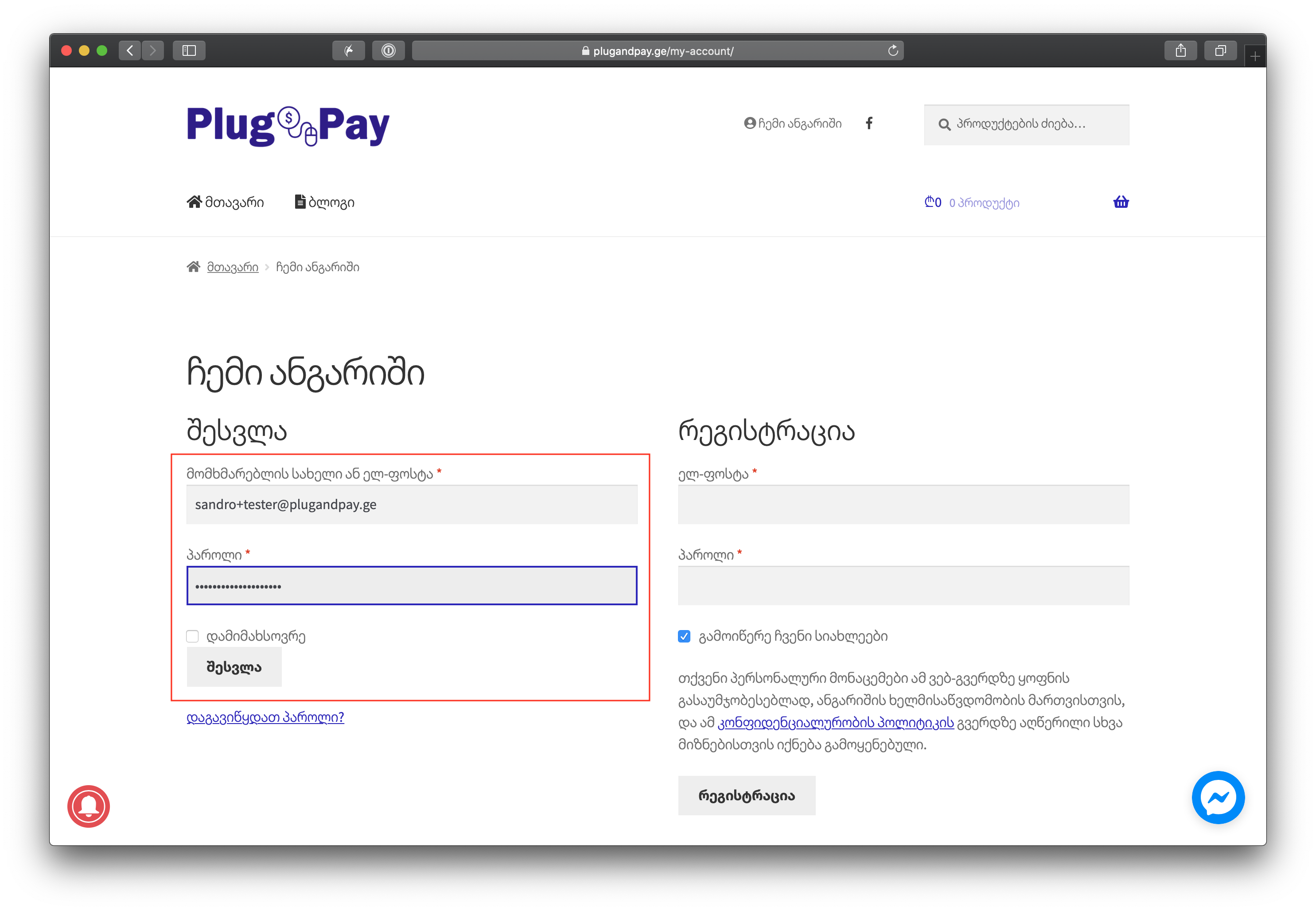
Log in using the email and password you used to purchase the plugin.
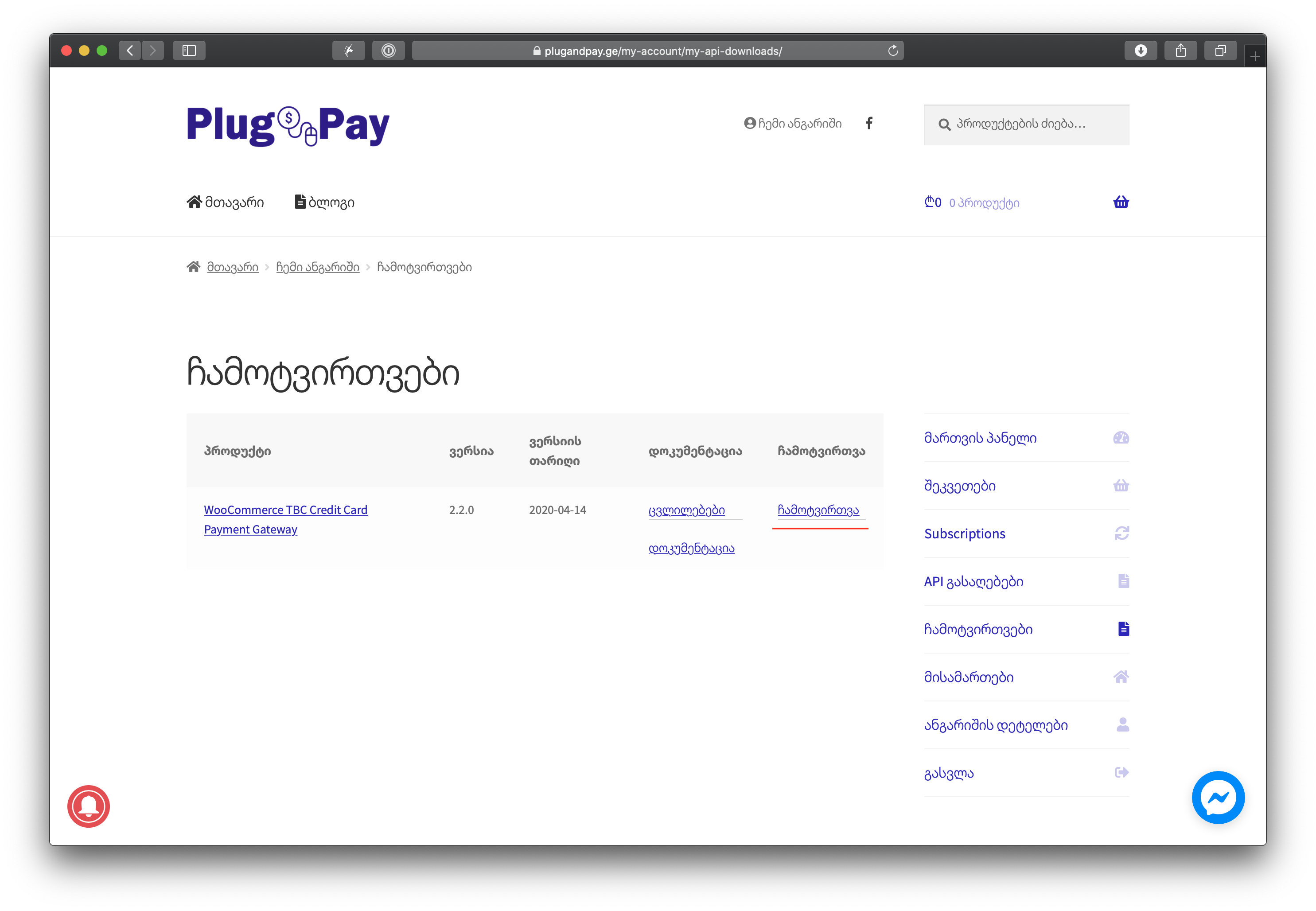
In the right-hand menu, click on "Downloads".

You will see a list of plugins available for download. Select the desired plugin and click "Download".
Installing and Activating
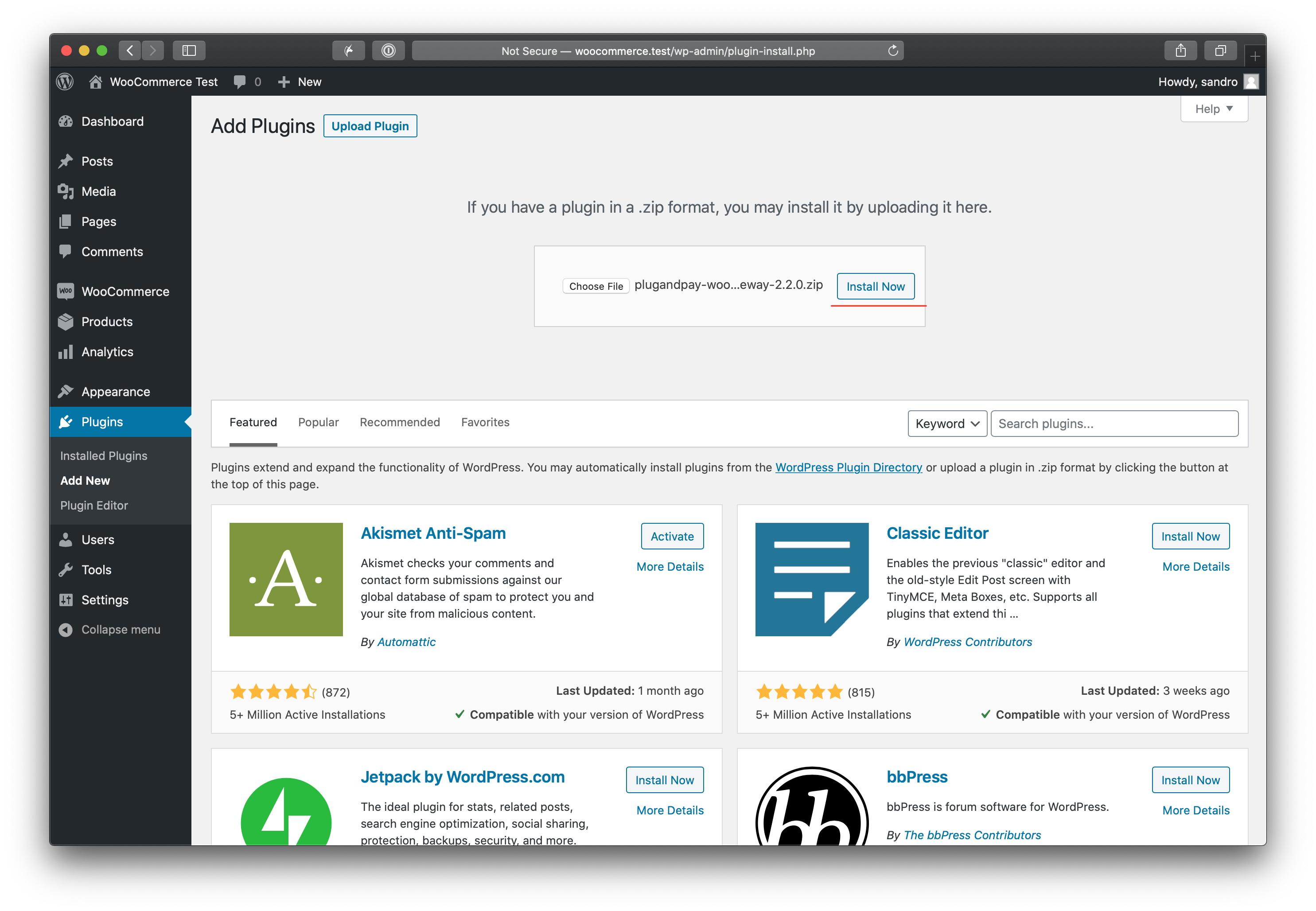
In your WordPress admin panel, navigate to Plugins -> Add New.
Click Upload Plugin at the top, then click Choose File and select the ZIP file you just downloaded.
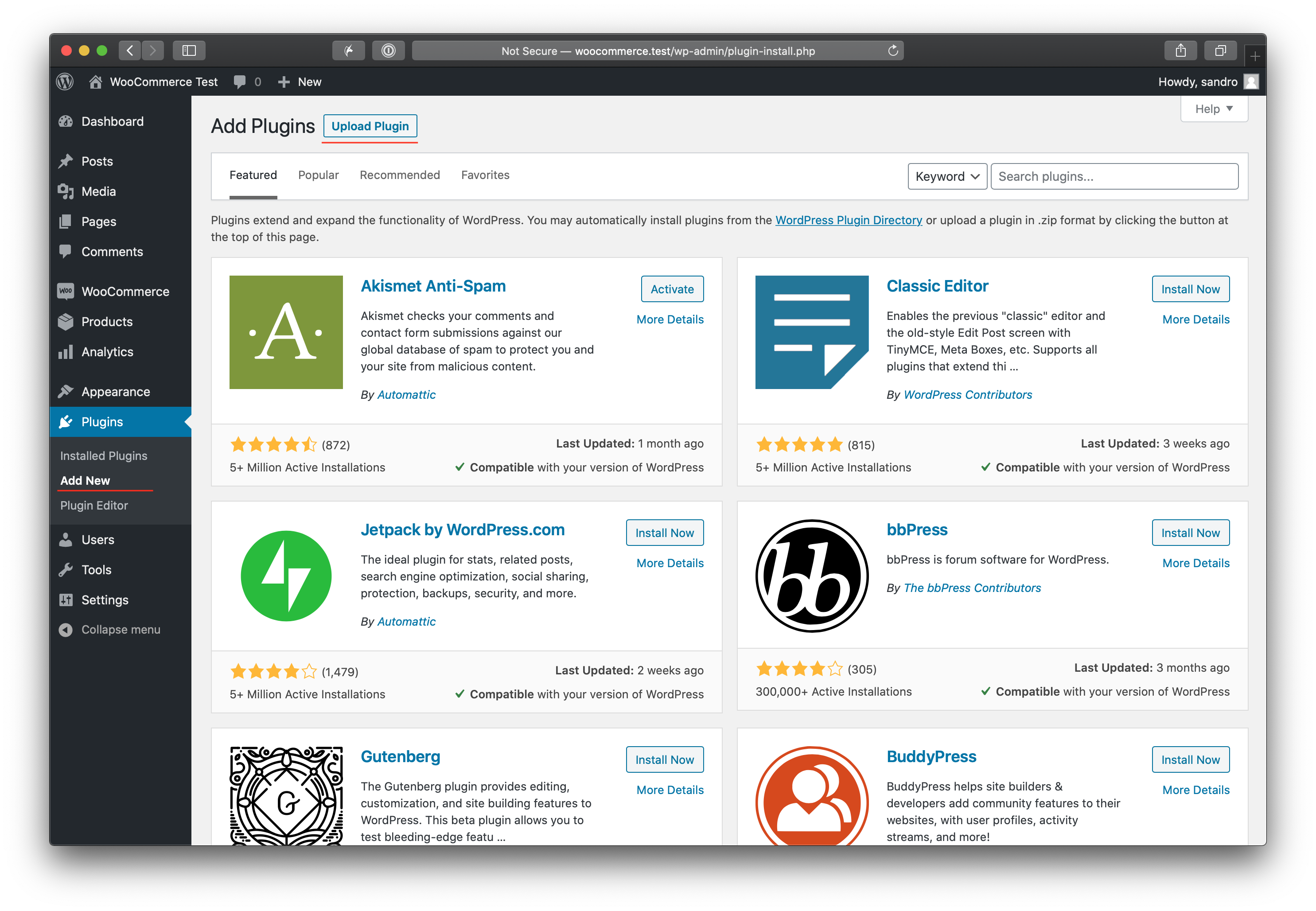
Click Install Now.
Once the installation is complete, click Activate Plugin.
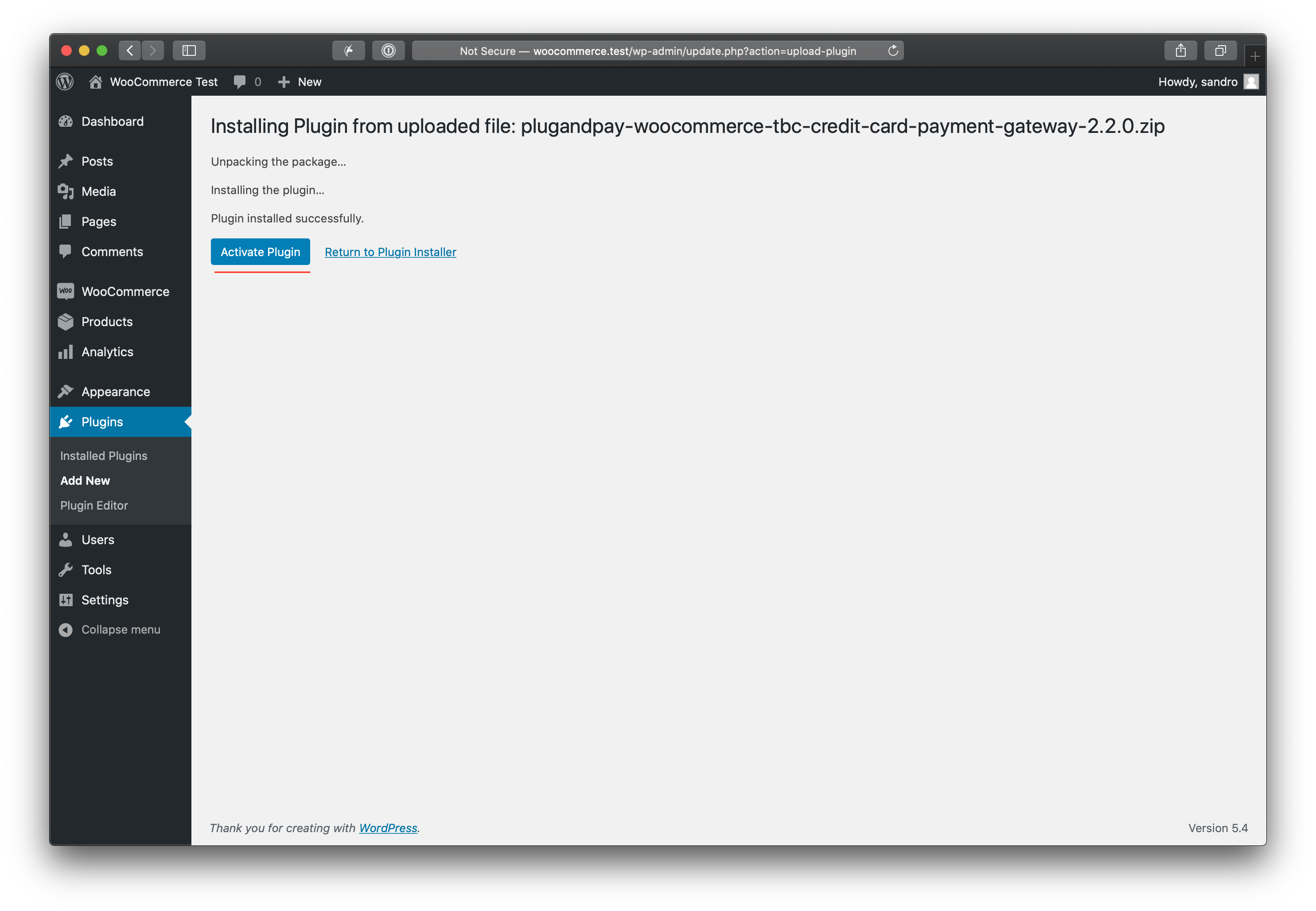
The plugin is now installed on your site. The final step is to activate your license.
License Activation
- In the WordPress menu, go to Settings -> WooCommerce [Plugin Name] Activation.
- Enter your license details (API Key and Email).
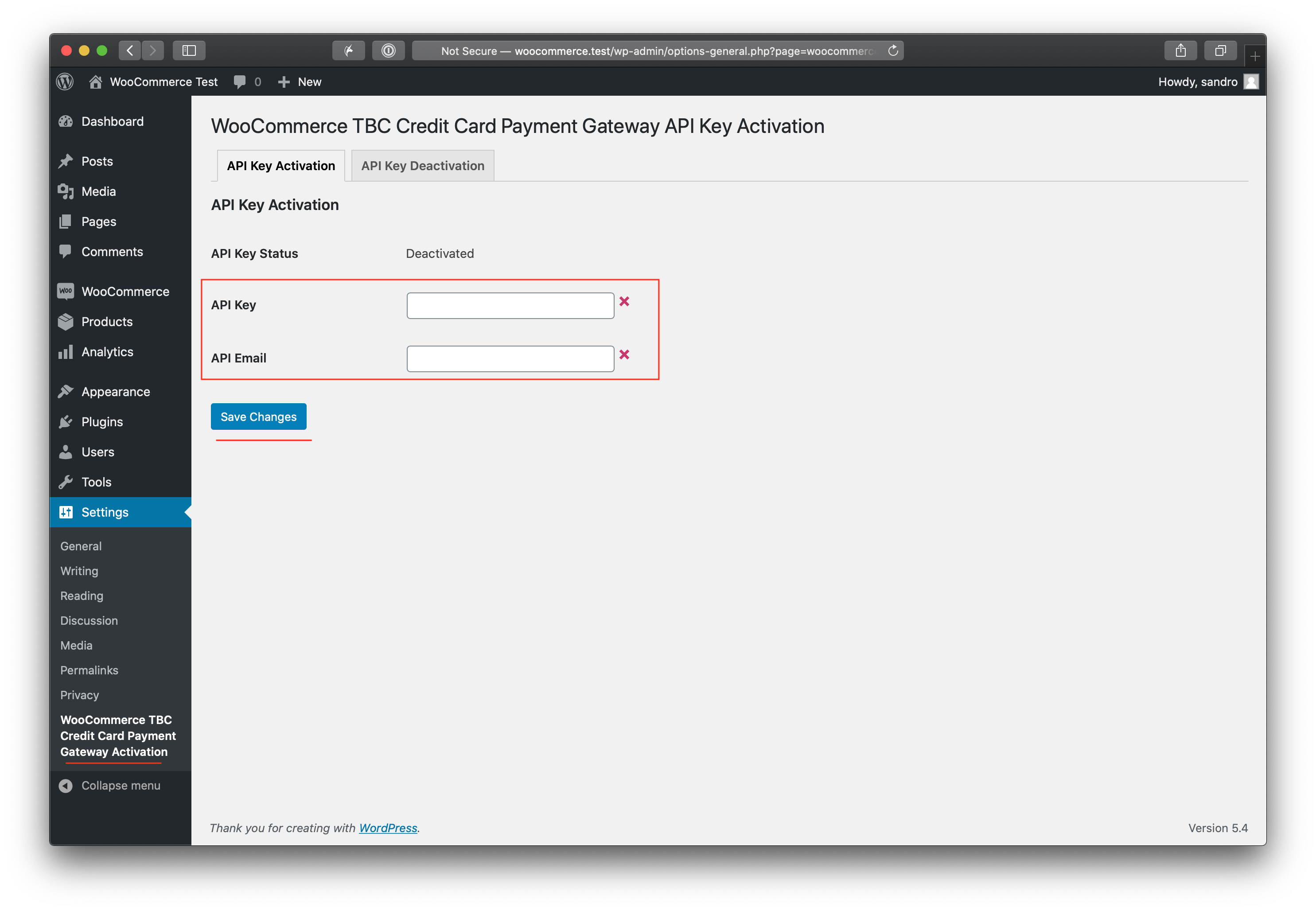
For more detailed information on managing your keys, see the Licensing guide.